


Dubbing vs Subtitle Translation for Product Videos
Compare dubbing and subtitle translation for product videos, then identify when source subtitles visible in the frame need a replacement workflow.
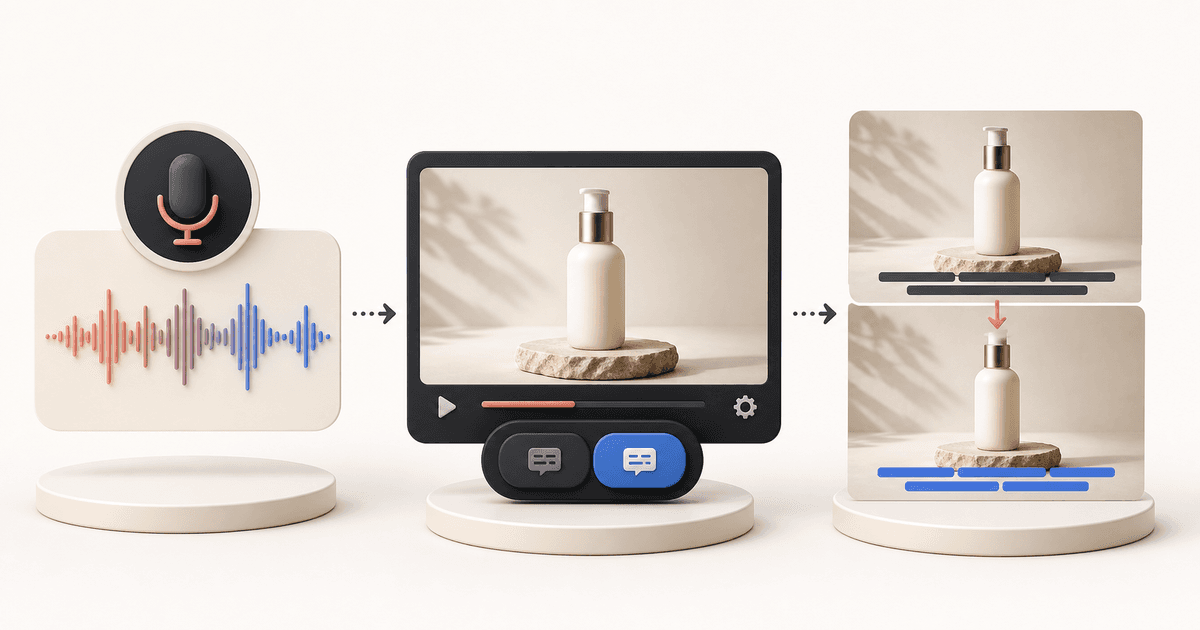
Choose the workflow by the layer that must change. A new spoken voice calls for voice translation or dubbing. Text in a separate subtitle track calls for subtitle translation. Source-language subtitles already visible in the frame call for visible subtitle replacement before translated subtitles are rendered.
Those are different jobs, even though all three may be described casually as video translation. Changing a voice does not change words that are part of the picture. A separate subtitle track does not change the image underneath it. If your source subtitles are visible in the frame, see subtitle localization for visible source subtitles.
<!-- UNIQUE INSIGHT: This decision guide separates spoken audio, an external timed-text track, and source subtitles already rendered in the frame. It is a constrained synthesis of the WebVTT standard and documented product boundaries. -->Key Takeaways
- Dubbing changes the spoken-audio layer. Subtitle translation supplies readable target-language text.
- A subtitle track that a player can show or hide is different from words already rendered into the video frame.
- Visible subtitle replacement is relevant only when source-market subtitles are already part of the image.
The decision table: identify the layer that must change
Use this table to identify the job, not to pick a universal winner. Ask which part of this product video needs to be different for the audience you are preparing it for.
| What needs to change? | What does not automatically change? | Workflow category |
|---|---|---|
| Spoken audio | Source words visible in the frames | Voice translation or dubbing |
| Readable target-language text in a separate track | The source video image | Subtitle translation |
| Source-market subtitles visible in the frames | Spoken audio | Visible subtitle replacement |
The first row is about speech. The second is about text independent of the image. In the third row, source subtitles are already rendered into the image. A separate translated track would leave the old visible words in place.
First identify the layer, then choose a workflow for that layer. The visible-subtitle row concerns source subtitles embedded in frames and translated subtitle rendering, not a general claim to change all visible text.
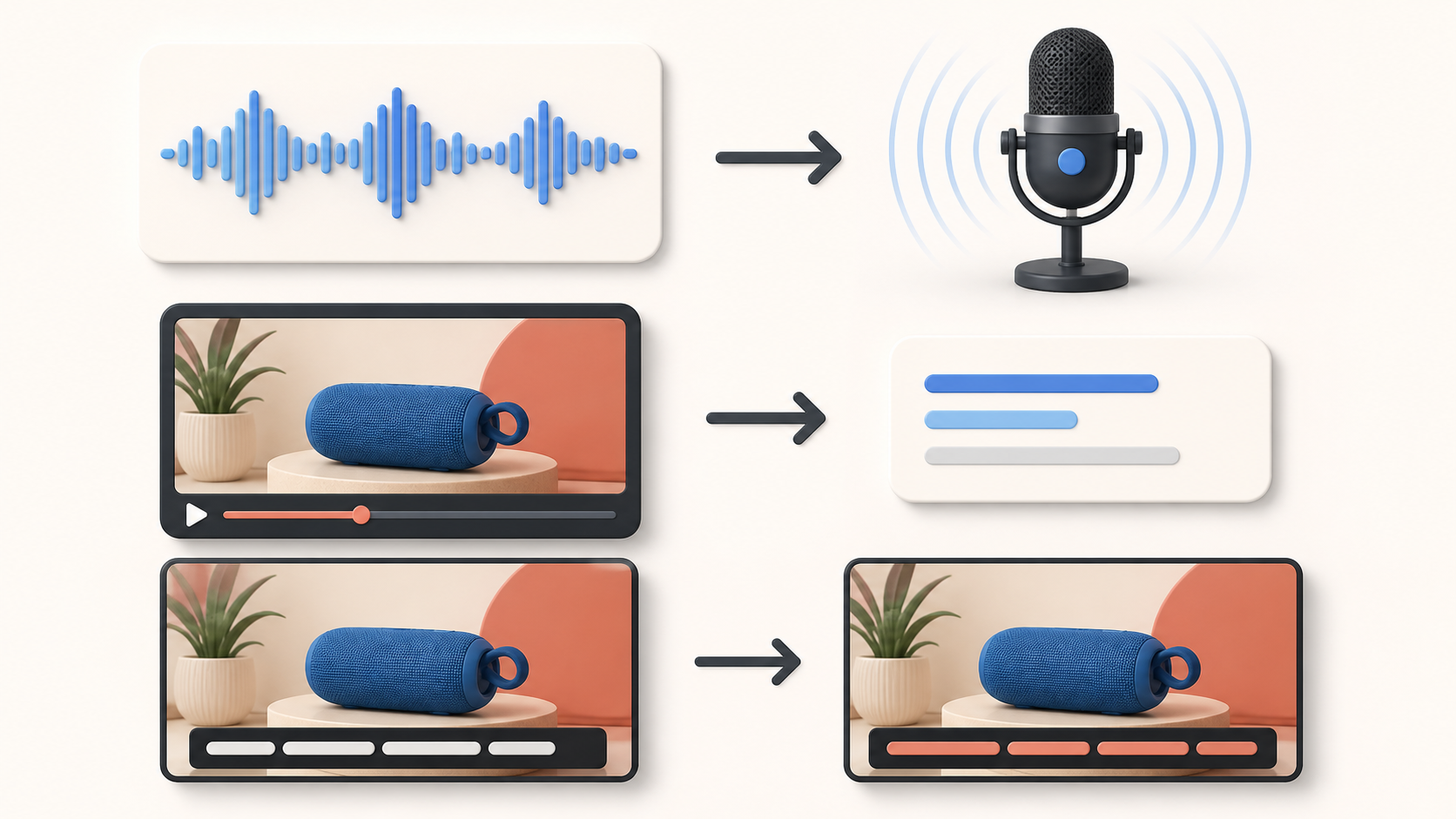
A separate subtitle track is not the same as words in the frame
A separate subtitle track is text associated with a video, not text painted into each frame. The W3C WebVTT specification describes WebVTT as an external text-track resource associated with HTML video. Put simply, it is timed text that sits alongside the image.
Words already visible in the frame remain part of the picture. They were rendered into the image. A viewer having captions available does not make those words separate. The phrase embedded subtitles can be confusing because it may refer to a track attached to a video. Here, the practical problem is source words baked into the frame.
Before you choose a subtitle route, ask:
- Can the player show or hide the subtitles independently of the image?
- Are the source-language words always visible in the picture?
If the first answer is yes, a separate subtitle translation may be enough. If the second is yes, you are looking at a visible-layer problem. This does not tell you what every destination accepts or how every player behaves.

Choose dubbing when the spoken audio must change
Choose voice translation or dubbing when the requirement is a target-language spoken track. This is about what a viewer hears. It is not about text in the video image.
One documented example makes the boundary concrete. HeyGen's video translation documentation describes its own workflow with translated spoken audio, optional lip movement, and captions. It also says its workflow does not translate text baked into the source video image. That is HeyGen's stated limitation, not a rule for every dubbing or voice-translation tool.
Treat spoken audio and visible source text as separate questions. A new voice may satisfy the audio requirement while leaving a source-language subtitle bar on screen. If both layers matter, identify each one instead of assuming one category covers the other.
This is not the visible-subtitle route. A product video that needs a new spoken voice should be evaluated as a voice-translation or dubbing task, even if it also contains on-screen text that needs separate treatment.
Choose subtitle translation when a separate text layer is enough
Choose subtitle translation when the needed change is readable target-language text and that text can stay in a separate timed layer. This route gives viewers text to read without requiring the source image itself to change.
The next check is whether the video actually has that separate layer available for the intended use. A translated subtitle track and a frame with printed source words can coexist, but they do not solve the same problem.
| Separate track | Image pixels |
|---|---|
| Timed text can sit alongside the video image. | Source words are already visible as part of the picture. |
| Subtitle translation changes the text supplied with the video. | Visible subtitle replacement addresses the source subtitle area in the image. |
If you have identified a separate subtitle layer and your next task is preparing a subtitle-translated version, continue with translate product videos for ecommerce listings. This article stays focused on choosing the category before any workflow begins.
Choose visible subtitle replacement when source subtitles are already in the frames
Choose visible subtitle replacement when source-market subtitles are part of the image and the desired result is translated subtitles in their place. This is a different category from adding an external track because the starting point is visible source text in the frame.
The published subtitle-localization scope handles source subtitles already embedded in frames, renders translated subtitles, mutes the original audio, and exports a muted MP4. This does not mean that every on-screen word or every scene can be changed. The subtitle-localization page distinguishes this work from general text editing.
This workflow fits the visible-subtitle layer only. It does not provide dubbing, voiceover, lip-sync, or a full editing timeline.
This is not a route for product labels, packaging copy, animated scene text, or other words merely because they are visible. For a deeper guide on choosing a treatment for visible subtitles, see remove subtitles from a video.

A fictional product-video decision example
Consider a fictional 20-second product video. A person demonstrates a kitchen item while a source-language subtitle bar stays at the bottom of every frame. The seller wants to reuse the clip for shoppers who read another language. It only shows how to sort the work.
- Does the final video need a new spoken voice? If yes, the audio requirement belongs to a voice-translation or dubbing category. The visible subtitle bar remains a separate question.
- Can the target-language text stay in a separate subtitle track? If the destination can use a separate timed layer and the source frame has no visible source words, subtitle translation is the relevant category.
- Are source-market subtitles already visible in the frames? If yes, a separate translated track would not replace the original subtitle bar. The relevant category is visible subtitle replacement.
The answers point to the kind of work needed. That is the decision the term video translation often hides.
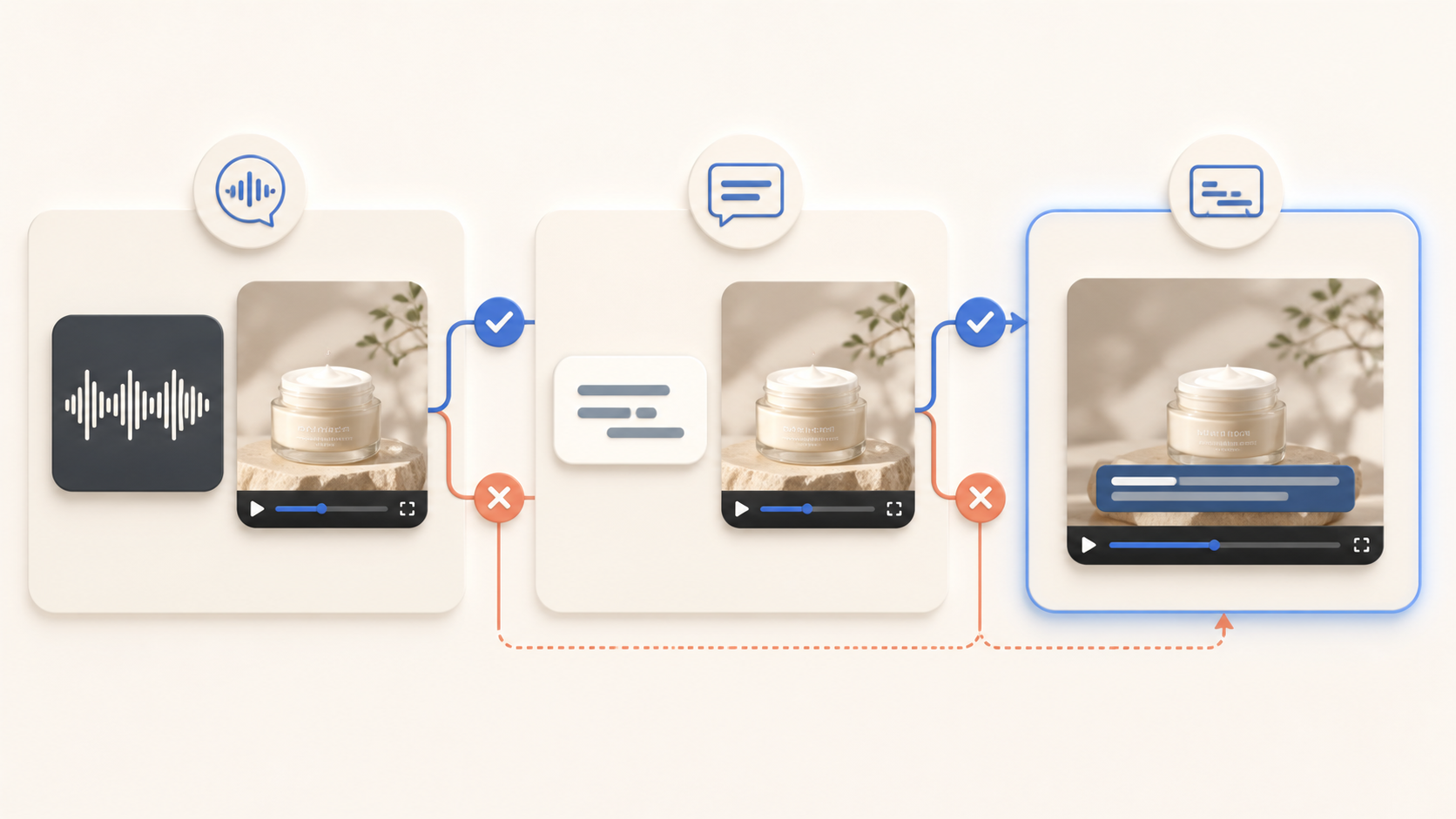
Common category mistakes
Calling every workflow “video translation”
Video translation is a broad discovery term, not a precise description of the layer that changes. Ask: Do we need to change speech, a separate text track, or source words visible in the frame?
Assuming a dub also changes source words in the image
A new spoken track addresses audio. It does not by itself describe what happens to visible source subtitles. Ask: Are source-language words still part of the picture after the audio decision?
Treating a subtitle track and visible subtitle replacement as the same job
Both routes involve readable text, but one can be external to the image while the other begins with words already rendered into it. Ask: Can the player control the text separately from the video image?
Frequently asked questions
Is subtitle translation the same as dubbing?
No. Subtitle translation supplies target-language text for a viewer to read. Dubbing changes spoken audio. The right category depends on the layer that must change in the video, and a video can present more than one layer at once.
Can dubbing replace words already visible in a product video?
Not automatically. HeyGen, for example, documents that its own video-translation workflow does not translate text baked into the source image (HeyGen documentation). That example should not be generalized to every service, but it shows why visible source words need their own scope of work.
When does the LumoCut workflow fit this decision?
It fits when the source subtitles are already visible in the video frames and the task is to render translated subtitles in their place. Its published scope includes muted MP4 export and excludes dubbing, voiceover, lip-sync, and a full editing timeline (subtitle-localization scope).
Choose the layer before choosing a tool
Start with the change the finished product video needs. New speech points to voice translation or dubbing. A separate timed text layer points to subtitle translation. Source-language subtitles that remain visible in the frame point to visible subtitle replacement.
If you have identified source subtitles visible in the frames as the layer to change, see subtitle localization for visible source subtitles.
Try translating the subtitles in a video you already have
Start for free